In this article:
Integrations connect your Moqups account to other online services that your team uses. This simplifies the workflow by reducing the number of steps needed to communicate. It also allows you to better manage projects, monitor progress, check specifications, or sync, transfer and store files.
Since some functions in the connected apps can be performed directly from within Moqups – and vice versa – integrations can also help your team maintain momentum.
Here are the current extensions and integrations we offer:
- Moqups Extension: Convert webpages and AI designs into fully editable layouts, generate design briefs, grab screenshots, create new projects, and enable our in-app color picker.
- Figma to Moqups plugin: Copy and paste Figma designs into Moqups
- Balsamiq Import: Drop Balsamiq files or copy objects into Moqups projects.
- Google Drive: Connect your Moqups account to Google Drive.
- Slack: Monitor progress on Moqups projects directly from Slack channels.
- Dropbox: Export versions of Moqups projects directly to Dropbox.
- Box: Export versions of Moqups projects directly to your Box account.
- Jira Cloud: Use the full spectrum of Moqups functionality within Atlassian.
- Confluence Cloud: Embed Moqups projects or create new projects in Confluence.
- SAML/SSO: Connects Moqups to your existing SAML authentication system.
- SCIM: Automate your user identity management process within an IDP.
This section of Help covers the different features and benefits of each integration – and shows you how to quickly connect.
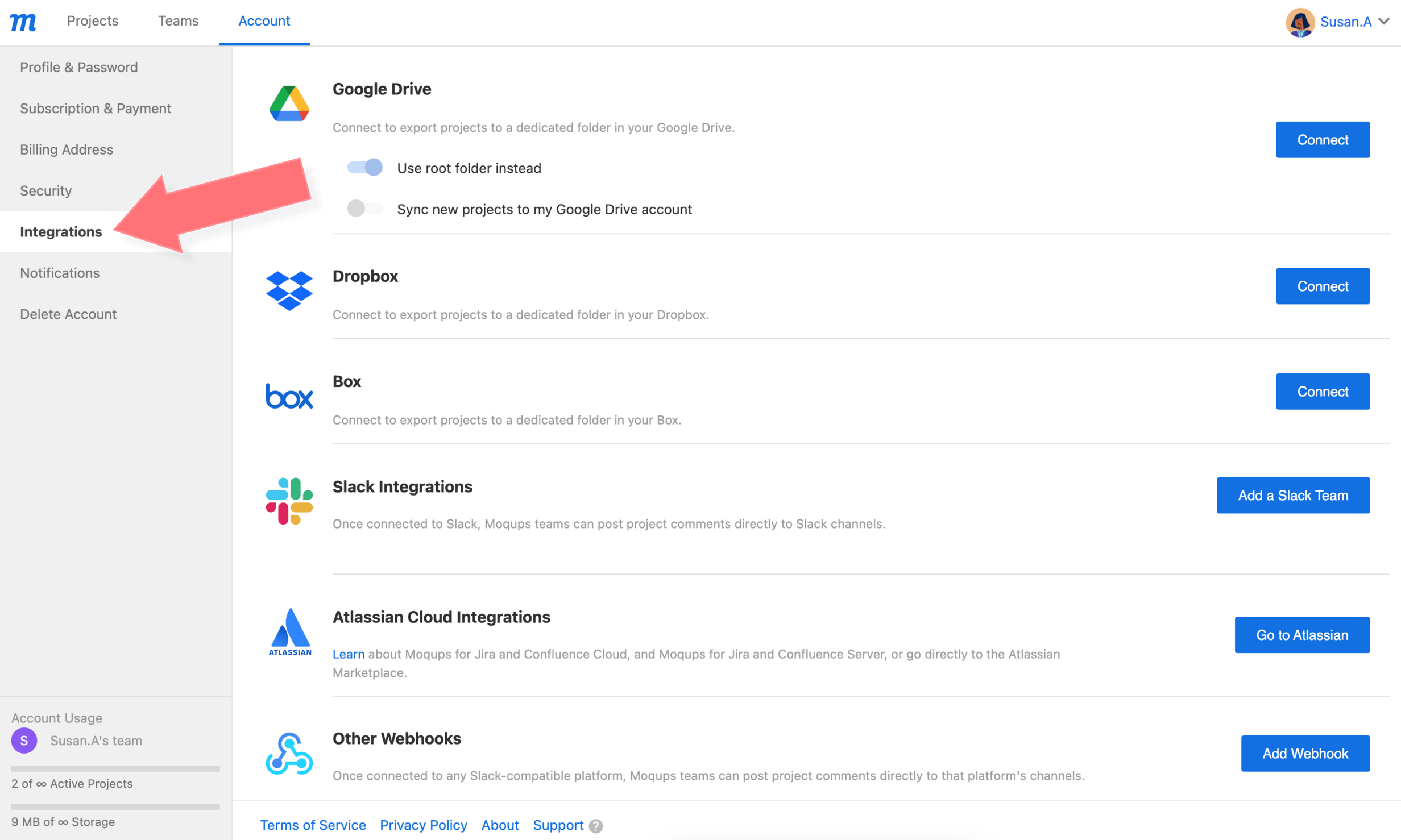
You will also find all of these tools listed on the Integrations tab of your Dashboard.
- Open the Account Settings Menu in the lower-left corner of the Left Sidebar
- Select Account Settings from the menu
- On the Account Page of your Dashboard, go to Integrations