Moqups vs Miro
Get a visual collaboration tool that suits your full workflow, your entire team, and the complexity of your projects.
Why choose Moqups over Miro?
1 More functionality for your whole workflow
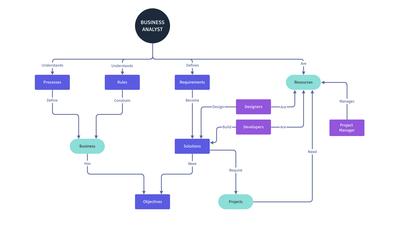
Whiteboarding is just one part of product design. After brainstorming and planning, teams still need to map out flows, mock up concepts, iterate upon them, and discuss solutions. And that means diagrams, wireframes, and prototypes. Moqups does all of that – and does it well – so your team can work from a single source of truth, and won’t have to rebuild work from scratch at every stage of the process.
2 More affordable
Moqups starts at $4 per seat – half the price of Miro. And our core features are available on every plan, not locked behind premium tiers or expensive add-ons.
3 Transparent pricing
Moqups has no deceptive charges, hidden fees, or automatic upgrades. Our plans are straightforward and inclusive. What you see is what you pay – with no billing surprises.
4 Personal support
We don’t use AI or bots. We’re a small and dedicated team so, when you write us, real people respond – and we share your feedback with the whole team.

Here’s what to expect from Moqups
Moqups was built for product teams doing serious work on complex projects. Every feature below reflects that focus – the result of twelve years of refining our UI and listening to users.
Everything ready to go the moment you open the app
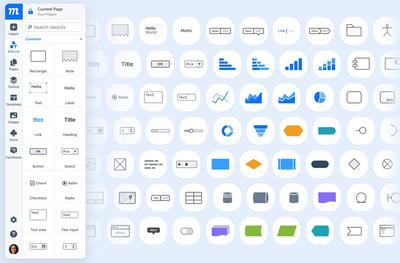
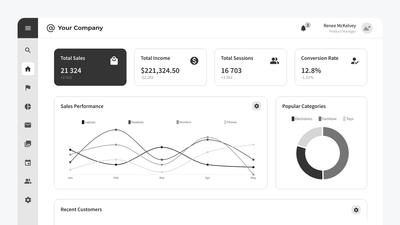
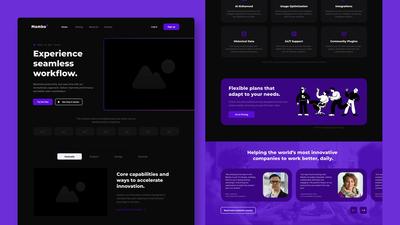
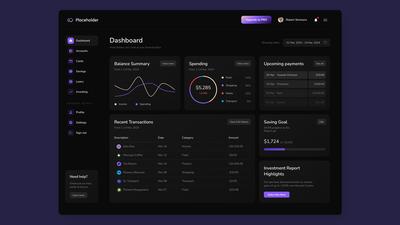
Moqups has thousands of pre-loaded stencils and UI components, dozens of icon sets, and all Google fonts. Our purpose-built elements for data-heavy interfaces – like charts, tables, graphs – make it easy to design dashboards for fintech, energy, logistics and healthcare apps.
Just open Moqups and start building. No plugins required, no community templates to download. It’s all there, included in the price.
Powerful design features, from lo-fi sketch to hi-fi prototype
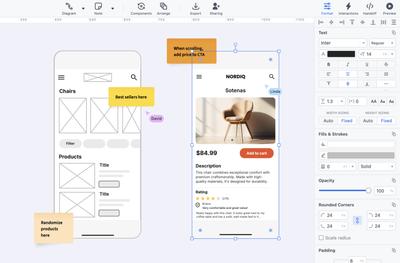
Our core features include design tools needed for the full arc of product design. Constraints keep layouts consistent on resize, syncing components make updates instantaneous. And advanced formatting tools let teams add fonts, shadows, blurs, gradients.
With Moqups, projects can evolve naturally and seamlessly – from rough wireframes to professional presentation – without switching apps.
Structure that scales – not just a bigger canvas
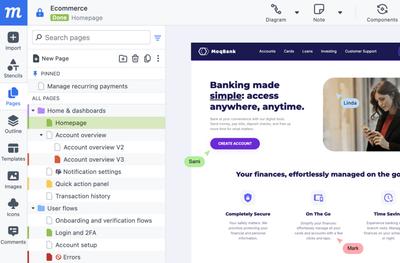
An infinite canvas is great for brainstorming. But if you’re building an app with hundreds – or thousands of screens – an endless board gets cluttered fast. That’s why we built Moqups around an organized page structure.
Our folders, pinned pages, and color-status labels make it easy to navigate even the most complex project. That makes Moqups a natural fit for product teams building industrial and enterprise apps.
Review and iterate together, in real time
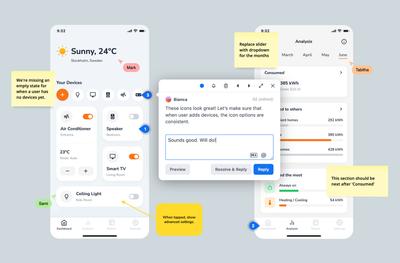
Live cursors let your team work side by side, wherever they are. Sticky comments with both color coding and filtering keep feedback organized so nothing gets lost. And granular permissions mean that the right people have the right access, at the right time.
When designers, product managers, developers, and stakeholders all need to be in the loop, Moqups helps keeps everyone aligned.
Moqups vs Miro at a glance
| Features | Miro | |
|---|---|---|
| Free forever plan | ||
| Whiteboarding & Team Collaboration | ||
| Infinite canvas | ||
| Real-time collaboration | ||
| Live cursors | ||
| Comment filtering & color coding | ||
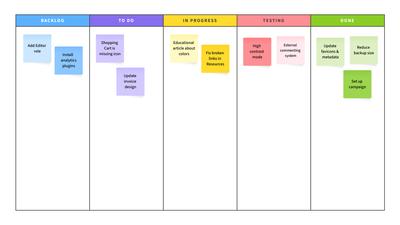
| Sticky notes and annotations | ||
| Pages with status labels and folders | ||
| Teams with advanced permissions | ||
| Brainstorming frameworks | ||
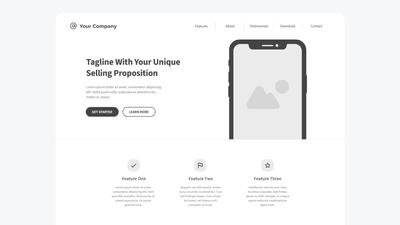
| Wireframing | ||
| Built-in UI elements & templates | Limited kits | |
| Low-fidelity design | ||
| Mid & high-fidelity design | ||
| Clickable prototypes | Extra cost | |
| Customizable charts for data | ||
| Tables for data-heavy interfaces | ||
| Reusable, syncable components | Only available for higher tier | |
| Customizable fonts and colors | ||
| CSS / JSX handoff | ||
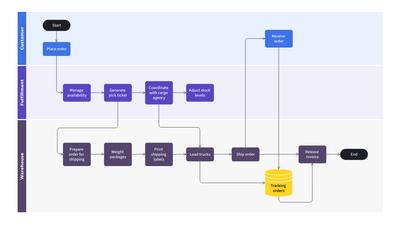
| Diagramming | ||
| Smart diagrams | ||
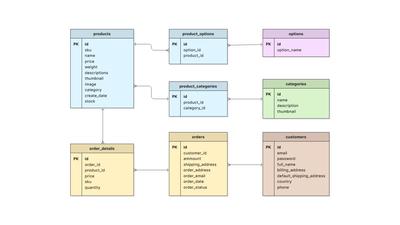
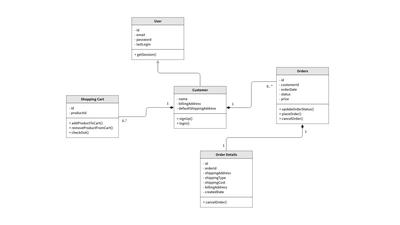
| UML and ERD diagrams | Only available for higher tier | |
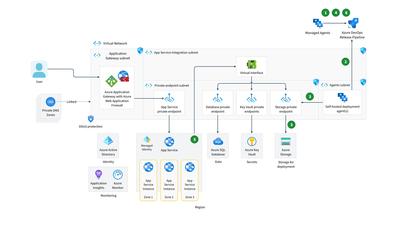
| AWS, Azure and Kubernetes | Only available for higher tier | |
The right tool for the right job
Both tools have genuine strengths, so here’s a comparison of the ideal use case for each one to help you decide.
- Whiteboarding, wireframing, and diagramming are all part of your team’s workflow.
- A typical project for your team might include hundreds or thousands of screens.
- Your team builds data-heavy dashboards for finance, energy, logistics, health care, and enterprise applications.
- You want the freedom to develop projects all the way from low to high fidelity without switching apps.
- Whiteboarding sessions and brainstorming workshops are your team’s primary activity.
- You want voting, timers, and estimating incorporated into interactive sessions with stakeholders.
- Your workflow only requires occasional rough sketches, or low fidelity wireframes.
- You’d like to record and share narrated and interactive walkthroughs of your projects.
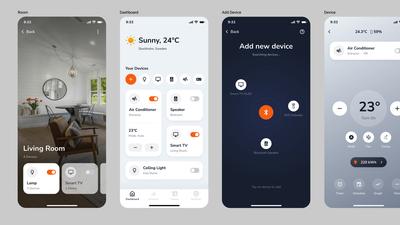
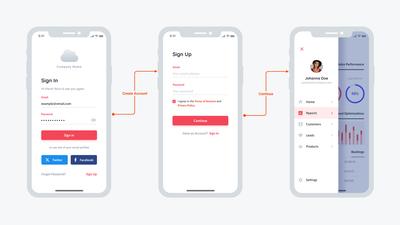
See how much you can do with Moqups
What professionals love about Moqups
Jordan Layton
US · 1 review
"Speaking for our data team, Moqups is our go-to tool for creating flow charts, conceptual model diagrams, mock-ups of dashboards or web data tools, etc. It is very intuitive and easy to use. The customer support folks have been consistently excellent as well."
Leonel Aparicio
AR · 1 review
"What sets Moqups apart is its unrivaled ease of use. Unlike heavy-duty design software that often requires weeks of training, Moqups is incredibly intuitive. The learning curve is virtually non-existent; you can jump in and start building high-quality wireframes or presentations within minutes."
Chris K.
Product Designer - Graphic Design, Mid-Market, 51–1000 Employees
"I have used many wireframing tools in the past and when I discovered Moqups I haven't gone back. Moqups is so simple and intuitive to use. The best part for me was the ability for multiple people to simultaneously use the program together. Make your life easy and use Moqups. You won't regret it."
Polly
GB · 1 review
"Moqups is an excellent tool for wireframing and project management. Our whole team uses it to collaborate and share ideas and it has become integral to our design process. It is easy to use and extremely versatile."
Looking for a Miro alternative?
Create a FREE account