Moqups vs Figma
Moqups handles your whole creative workflow, from initial concept to final design, for much less cost and complexity than Figma.
Why choose Moqups for your next project?
1 Easy to learn
Figma's learning curve is steep for non-designers. Moqups is welcoming, intuitive, and fast to master. Build your first wireframe or diagram in minutes with no prior experience required.
2 Easy for teams
Moqups is the choice for cross-functional teams. Our interface is simple enough that all stakeholders can contribute to the UX process without specialized training.
3 Easy on your budget
Get the lowest cost-per-seat in the design space. Moqups replaces multiple subscriptions by combining wireframing, diagramming, and whiteboarding in one app. Stop paying for context switching.
"With Moqups, you don't need to spend hours watching tutorial after tutorial, just to create a basic layout."
Figma to Moqups.
We made it easy.
Bring your Figma designs into Moqups in seconds. Export any selection from Figma, then paste it directly into your Moqups project to keep work flowing.
Install Figma plugin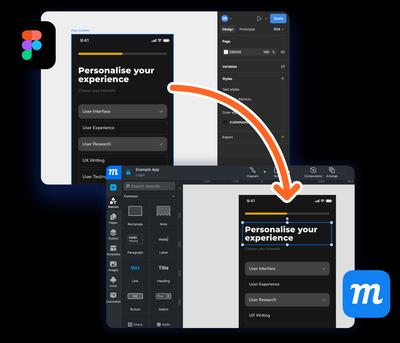
Moqups makes complex projects easy to manage!
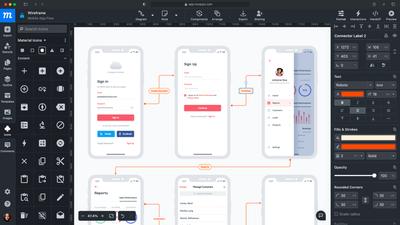
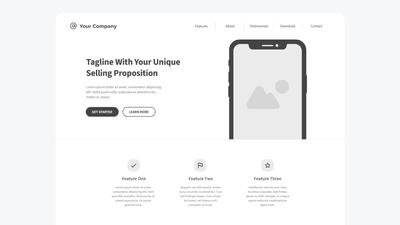
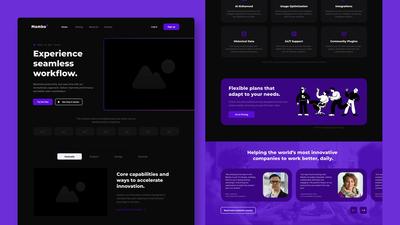
Built-in Elements
Just launch the app and get right to work with our drag and drop building blocks.
No need to waste time searching for community templates, or downloading additional plugins.
Everything is ready to go: 1000's of stencils, dozens of icons sets, and all the Google fonts.

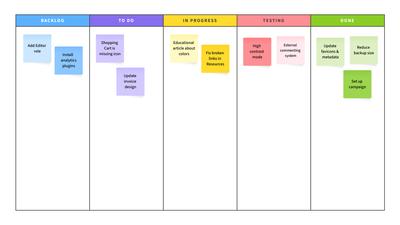
Organized Page Structure
Commercial, industrial and logistical apps often have hundreds, or even thousands of screens.
At that scale, an infinite canvas gets cluttered and hard to manage, especially with comments and annotations.
Navigating complex projects is easier with our page folders, pinned pages and color-status labels.

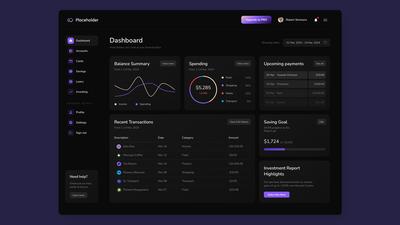
Tables, Charts, and Graphs
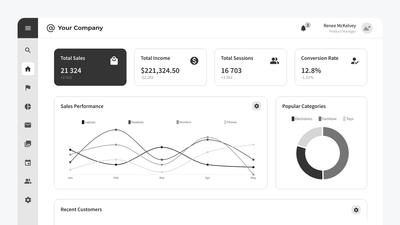
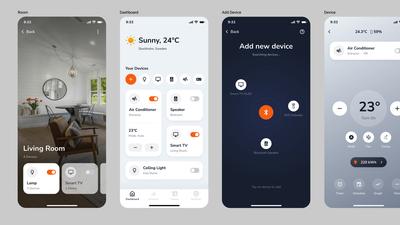
Our customizable tables and graphs make it easy to build data-heavy apps and dashboards.
That's perfect for teams working in domains like finance, administration, health care, and logistics.
And it's ideal for safety-critical fields like system monitoring, where end-user participation is essential.

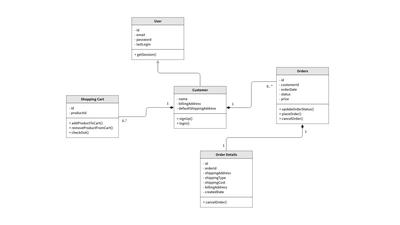
Diagrams and Flowcharts
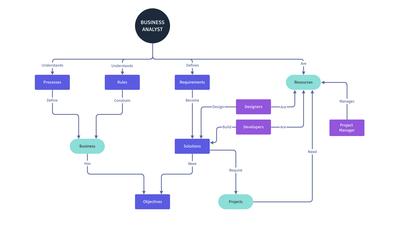
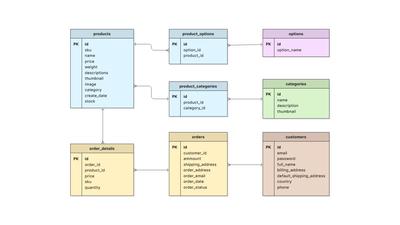
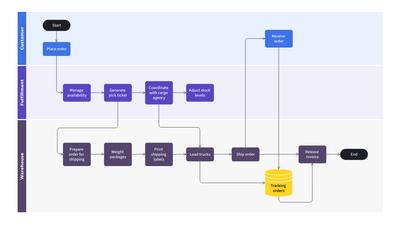
Your team can add sitemaps, user flows, ERD, UML, process flow and network diagrams to projects.
Our app also includes built-in AWS, Azure, Kubernetes, Cisco and Google Cloud symbols.
With Moqups, wireframes and diagrams live beside one another. No need to switch between tools!

Our intuitive UI puts everything right at your fingertips.
Moqups vs Figma at a glance
| Features | Figma | |
|---|---|---|
| Free forever plan | ||
| Low/mid/high fidelity design | ||
| Drag-and-drop UI elements | ||
| Built in icon library | ||
| Clickable prototypes | ||
| Categorized fonts | ||
| Built in whiteboarding | Only with Figjam | |
| Built in diagramming | Only with Figjam | |
| Tables and grids | Only with Figjam | |
| Charts and graphs | ||
| Components | ||
| Constraints | ||
| CSS/JSX handoff | ||
| Sticky annotations | ||
| Page labels and folders | ||
| Real-time collaboration | ||
| Team with advanced permissions |
See how much you can do with Moqups

Don’t just take our word for it…
“For me, Moqups is still the best app and web design tool. Compared to Figma, Moqups has a very easy learning curve. And Figma's plugins just make things needlessly confusing. After using Moqups for over 10 years, I’m sticking with it.”
Bill Page, Founder of DX TouchPoint Consulting
Ready for an easy alternative to Figma?
Try Moqups for Free